
Ontario Underwater Council
Below the Surface
Ontario Underwater Council's Online Newsletter Below the Surface ~ Issues: . MAY 2026 DAN online seminar on cold water diving; Immersion Pulmonary Edema seminar APRIL 2026 No solo diving in the pool; Avoid set-lines at Port Huron; OUC's 70th anniversary. FEBRUARY 14, 2026 Purchase a PFD lifejacket and receive a FREE OUC blue membership; Highlights of the AGM Feb. 7, 2026 JANUARY 2026 . OUC's new Gas Analyzer Sponsorship Program; Jill Heinerth, cave diver, at the HHUC Inner Space Seminars. . NOVEMBER 2025 . A new shipwreck discovered this summer off Toronto! . OCTOBER 2025 . Membership renewal, AED [...]
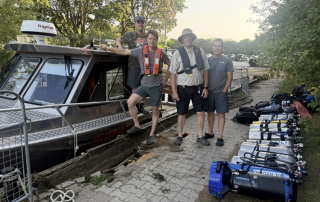
OUC is for boaters, marine historians & archaeologists, as well as scuba divers!
Ontario Underwater Council ~ Are you interested in: Boating? Fishing? Marine history? Shipwrecks? History of the Great Lakes? Scuba diving? Snorkelling? Meeting new friends? Join the Ontario Underwater Council (OUC) ~ OUC provides: Liability Insurance: Comprehensive protection for members Site Access: Preserving entry to local dive sites and wrecks Maritime Heritage: History and educational resources Gear Savings: Discounts and loans of essential safety equipment Group purchase of Mustang PFDs, including free OUC membership if ordered by March 15, 2026. Community: A welcoming home for all aquatic activities ~ Our Clubs are a great place to get involved: Dive buddies, new [...]
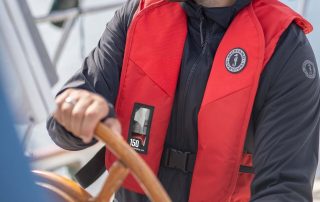
Group Purchase of Mustang PFD Lifejackets
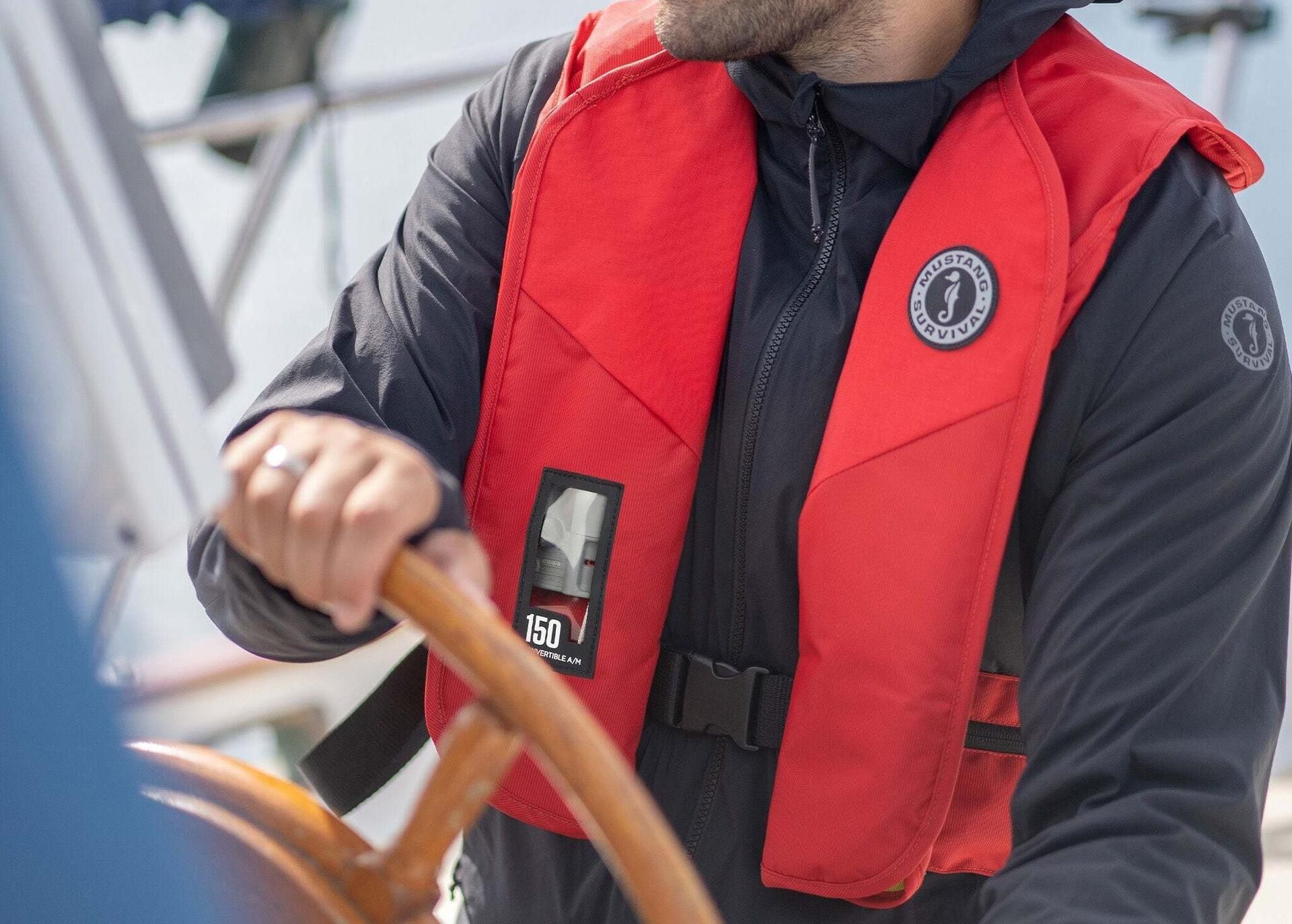
Ontario Underwater Council Safety Bundle Proposal Here's our proposal: Purchase a Mustang Survival PFD ... and receive a FREE OUC blue membership when you order by the deadline, March 15, 2026! New members: 2026 blue membership fee is waived with purchase of a Mustang PFD Current 2026 members: 2027 blue membership fee is waived with purchase of a Mustang PFD Life Jackets Save Lives OUC Group Purchase of Mustang PFDs by Heison Chak As part of our ongoing commitment to on‑water safety during club dives, training events, and boat operations, the Ontario Underwater Council is coordinating a group purchase of [...]
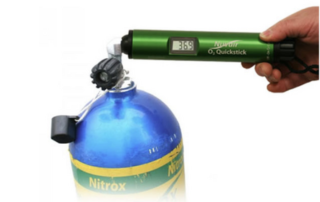
OUC 2026 Oxygen Analyzer Sponsorship Program – Concluded
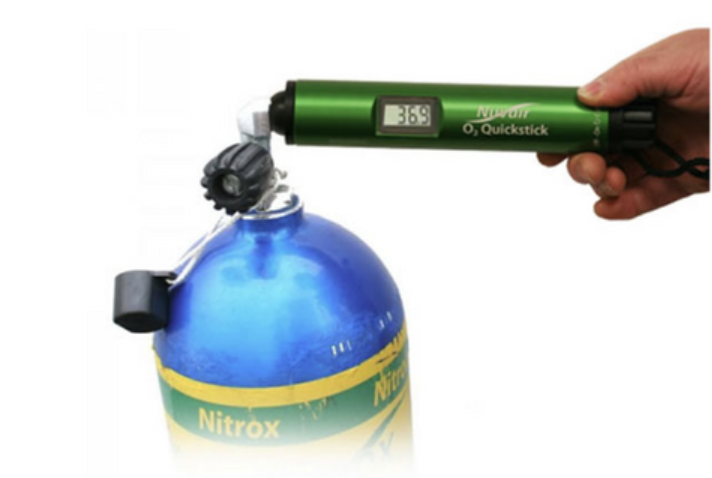
Ontario Underwater Council (OUC) OUC offered financial support towards the purchase of an oxygen analyzer or sensor for OUC Clubs and individual OUC Members. This program has now concluded. OUC sponsored reimbursements for 6 club-owned oxygen analyzers, and 12 member-owned units or sensor replacements. The Ontario Underwater Council (OUC) recommends analyzing the breathing gas in every cylinder before every dive, regardless of whether the gas is air, Nitrox, or another mixed gas. Gas analysis is a fundamental safety practice—and one OUC is committed to supporting across our diving community. To reinforce this commitment, OUC sponsored ... The 2026 Oxygen Analyzer Sponsorship [...]

AED is Available for Loan to OUC Clubs
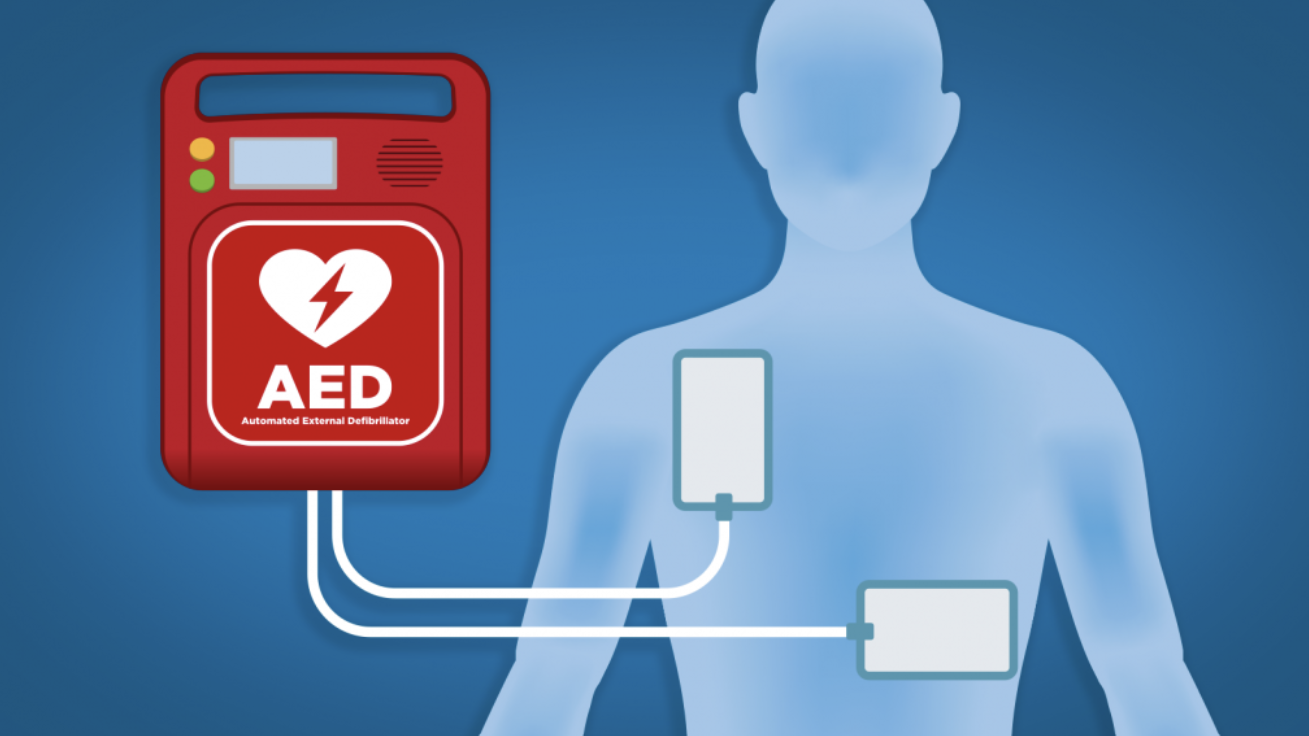
Ontario Underwater Council AED The Ontario Underwater Council has an Automated External Defibrillator (AED) that OUC scuba clubs can borrow for events such as dives, training sessions and community activities. These vital, life-saving devices are important to have on hand — especially at group gatherings such as scuba diving events. Recognizing this need, OUC has purchased an AED that clubs can borrow, free of charge, for dive trips or community activities. ... Contact: If your club would like to borrow the AED for an upcoming event, please contact: elaine@underwatercouncil.com AED stands for Automated External Defibrillator which is [...]

Advertise your Club’s Events on the OUC Calendar
Ontario Underwater Council Events Calendar View Events of interest View the Events Calendar Submit your Event Fill in the Events Input Form Allow a few days to see your event published on the OUC Calendar. We will try to post it the same day, depending on vacation scheduling.. . Questions about the process? Contact membership@underwatercouncil.com .

Clarification of OUC coverage for Scuba Students, including Fall Students
Ontario Underwater Council Scuba Students: Registration & Payment Register your Scuba Students before their first class with the OUC Membership Director. Your registered Scuba Students will be covered by OUC liability insurance from their first class until the end of the year, December 31. Fall Scuba Students, registered before their first class, will be covered by OUC liability insurance from their first class, until the end of the following year, for a total coverage of one year and four months, ending December 31. Registering with OUC For ALL Student Members: Use the Excel Spreadsheet: Be sure to send [...]

OUC Guest Diver Program
Ontario Underwater Council Invite a Guest Diver! Read the details below to understand the Guest Diver Program (GDP). Hosting Club should fill in the Guest Diver Program: Form. Hosting Club should send the OUC "blue" payment by eTransfer to payment@underwatercouncil.com Hosting Club should ensure that the Guest Diver signs the OUC Release. Hosting Club must satisfy themselves that the guest is a capable, certified diver. Guest Divers must adhere to the Terms and Conditions of the OUC Liability Insurance Policy and generally accepted safe recreational scuba diving practices. Link to the Guest Diver Program: Form Ontario Underwater Council - Guest Diver [...]

OUC Insurance Reminder
Ontario Underwater Council Renew by Dec. 31 Please read the full article of the OUC Insurance Reminder including the table. The key takeaway is this: To ensure uninterrupted coverage and protection for dive professionals in OUC Training Clubs: Do not allow a lapse in your OUC Training Club Membership or in the OUC memberships of your dive professionals in Training Clubs. Renew club memberships, club executives, and dive professionals (instructors and divemasters) in December to ensure all members are fully covered for the upcoming year. Renewing before Dec. 31 protects members against future claims related to past incidents. Legal Liability [...]




Three Levels of Protection from OUC
Ontario Underwater Council Supporting our Members The Ontario Underwater Council (OUC) would like to remind everyone of the three levels of protection we offer to support and safeguard our community. 1) Preventive Measures. The OUC board and club representatives collaborated to update our "Risk Management Document". This led to the release of the OUC Club Insurance document, which includes 20 OUC Safety Recommendations—our first line of defence. Risk Management: "OUC Club Insurance and Sanctioning Requirements Document". 2) Release & Indemnity Agreements. Our second level of protection consists of Release and Indemnity Agreements, providing protection for OUC clubs [...]